

MailPro: Email App for Gmail Review & Desktop Performance
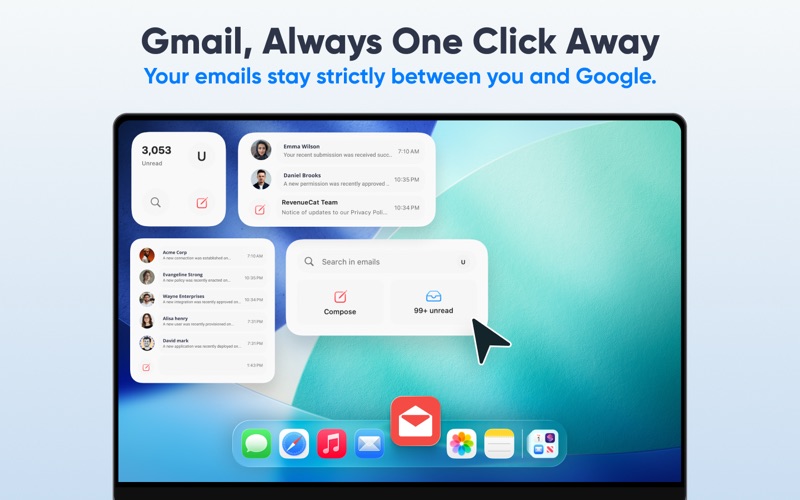
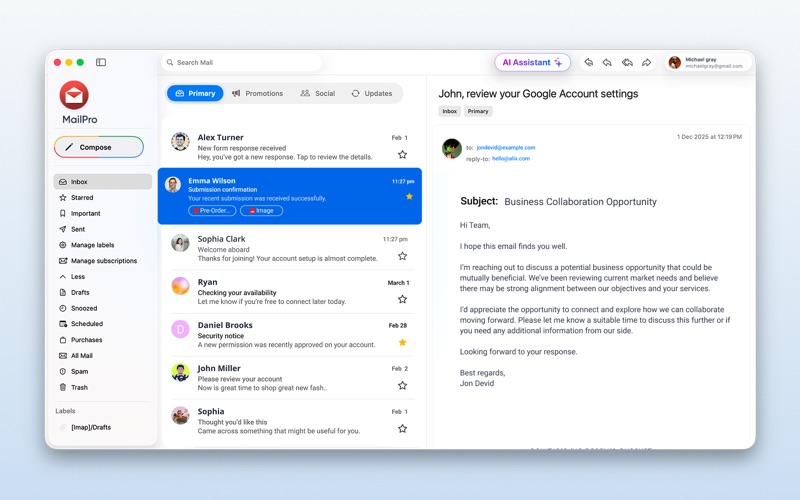
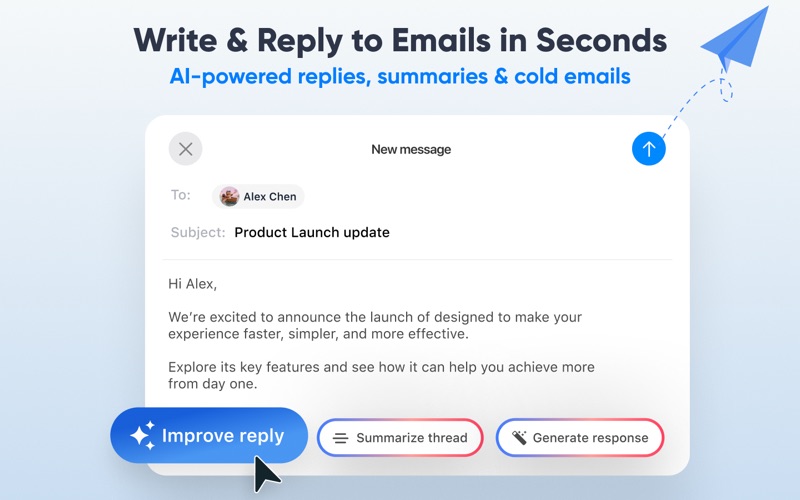
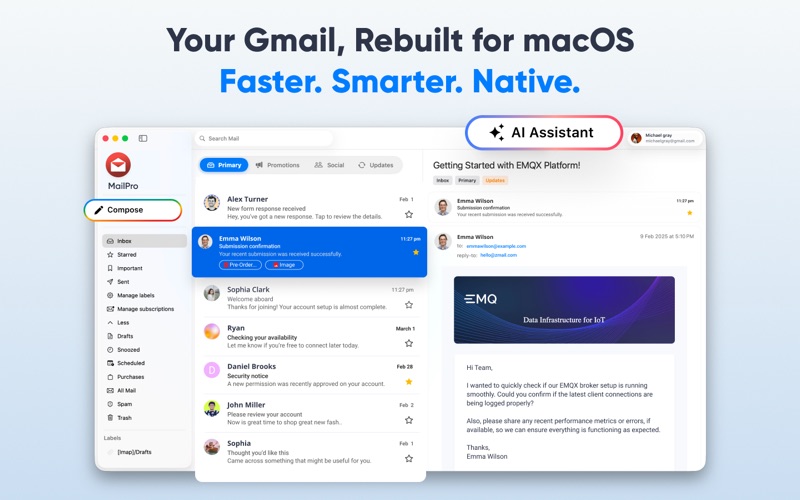
Read our comprehensive review of the MailPro email app for Gmail. Learn how this native macOS client optimizes your inbox workflow with high speed.
Imagine having fifteen browser tabs open, half of them being different Google accounts, slowly chewing through your Mac's memory while you struggle to find that one urgent client thread. It is a common frustration for professionals who rely heavily on Google's ecosystem. The MailPro email app for Gmail offers a dedicated, native solution designed to reclaim your desktop workspace and streamline your daily communication.
Why Choose the MailPro Email App for Gmail?
Developed by Appify Apps LLC, this application is engineered specifically for macOS users who need a faster, more reliable way to manage their correspondence. By moving your inbox out of the browser and into a native environment, the client eliminates the lag and resource drain associated with heavy web interfaces.
Key Features for Streamlined Communication
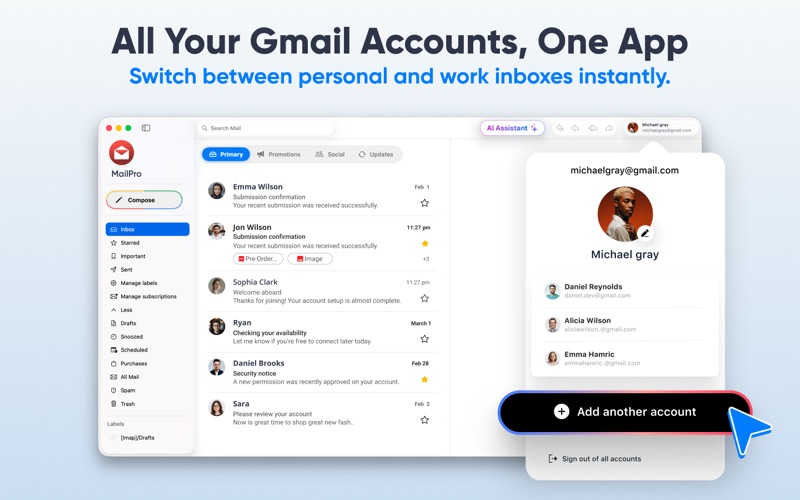
- Multi-Account Management: Connect multiple Google accounts effortlessly. You can monitor all incoming messages in a unified view or focus on individual accounts with a single click.
- Real-Time Delivery: Say goodbye to manual refreshing. The application utilizes instant push technology to deliver incoming messages to your desktop the second they arrive.
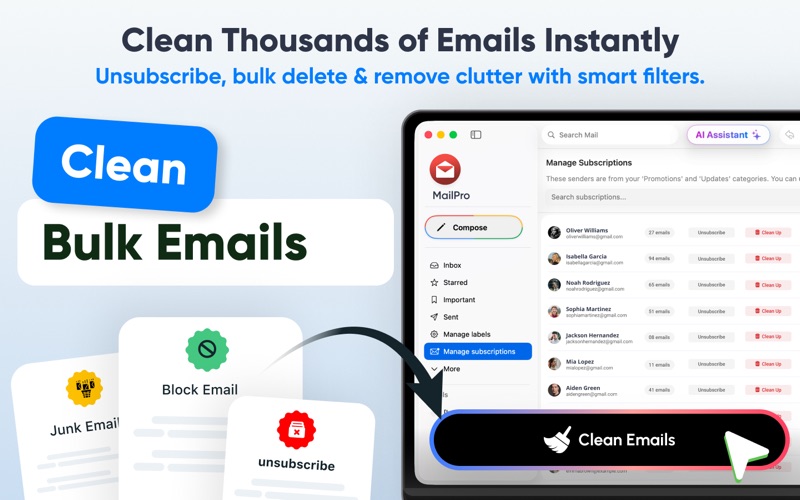
- Smart Inbox Organization: A built-in cleaning utility helps you quickly identify, sort, and sweep away newsletters and promotional clutter, keeping your primary workspace clean.
- Desktop Notifications: Stay informed without being distracted. Subtle, native macOS alerts keep you updated on critical messages even when you are working in other applications.
A Secure, Privacy-First Architecture
Security is a paramount concern when managing professional correspondence. The MailPro email app for Gmail establishes direct, secure connections to your provider using official authentication standards. This design ensures your credentials and personal data remain private, without third-party storage or sharing.
Is It Right for Your Workflow?
If you find yourself overwhelmed by browser clutter or delayed notifications, migrating to a dedicated desktop client is a logical next step. It is particularly beneficial for remote professionals, agencies, and power users managing multiple active addresses simultaneously.
To experience this optimized workflow for yourself, you can find more information and access the application directly on the official Mac App Store.