
GameVisual
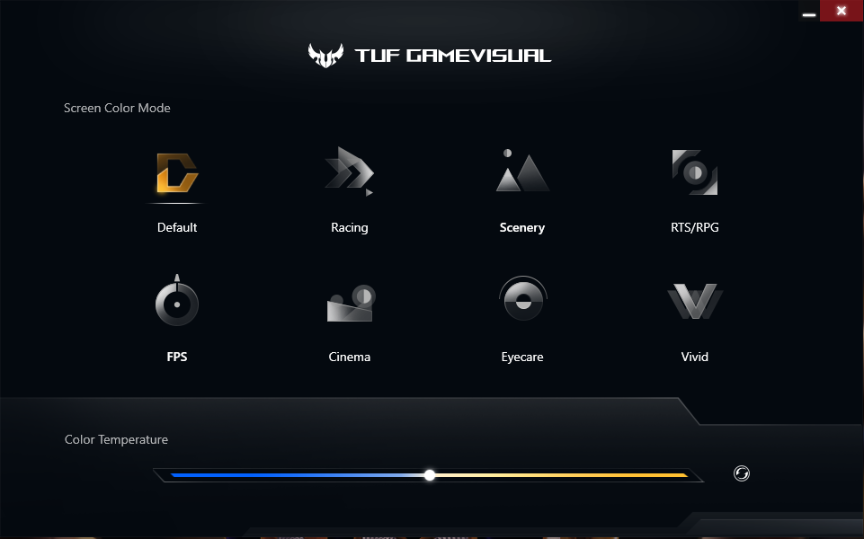
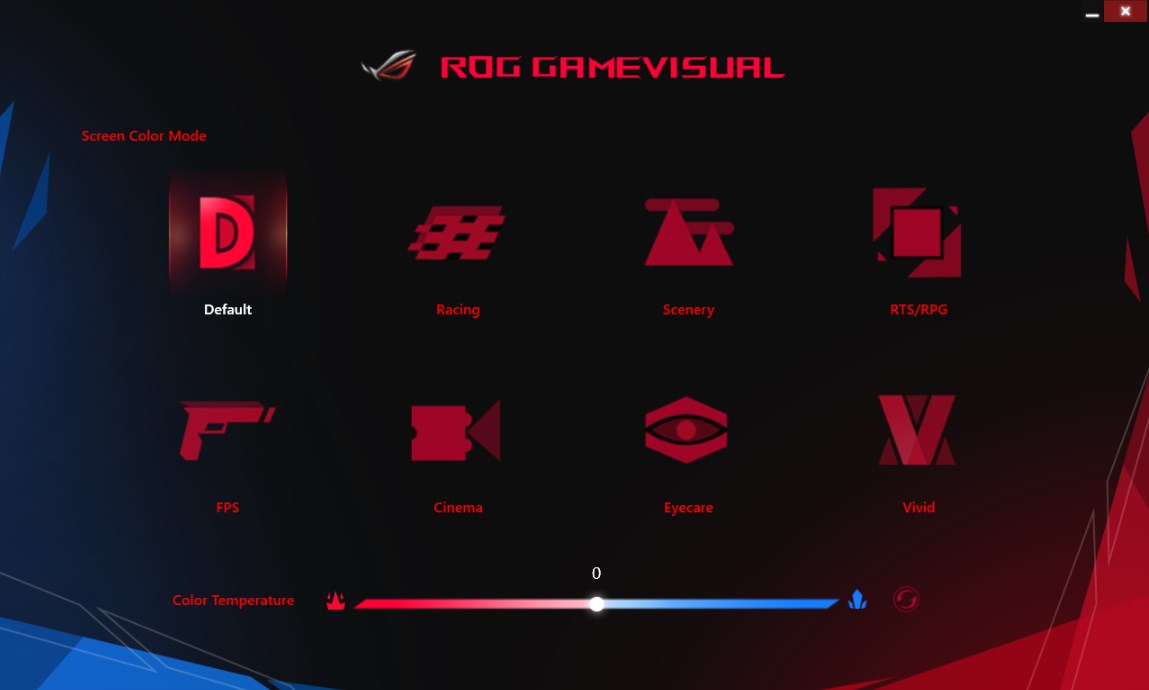
Discover how the GameVisual color management tool elevates your gaming experience with tailored display modes for ASUS ROG and TUF gaming laptops.
Unlocking Next-Level Display Performance on ASUS Laptops
The GameVisual color management tool stands out in the crowded utility space by offering hardware-level integration designed specifically to enhance your gaming visuals. Developed by ASUSTeK COMPUTER INC., this specialized utility leverages the robust Splendid architecture to bypass generic Windows display profiles, delivering highly optimized, genre-specific color calibration directly to your laptop screen.
Tailored Visual Profiles for Every Gaming Genre
Rather than relying on a single, washed-out display setting, the GameVisual color management tool alters your panel's behavior based on what you are playing. Whether you need heightened contrast in dark corridors during tactical shooters or vibrant, saturated tones for open-world role-playing games, this utility fine-tunes the color space to give you a distinct competitive advantage. It bridges the gap between raw hardware capability and software optimization.
Compatibility and Hardware Requirements
Because this software operates deep within the system's display pipeline, compatibility is highly specific. It is built exclusively for Windows-based ASUS ROG and TUF gaming laptops equipped with Intel Coffee Lake CPUs or newer generations. Note that certain legacy models and specific configurations (such as the G703GI, G703GS, GL503GE, GL504GM, GL504GS, GL703GE, GL703GM, GL703GS, GM501GM, GM501GS, GU501GM, and GX501GI) are not supported by this utility.
Key Benefits of GameVisual
- Optimized Splendid Architecture: Delivers seamless, system-level color tuning without performance overhead.
- Genre-Specific Fine Tuning: Enhances visibility, contrast, and color accuracy depending on your active game type.
- Official OEM Integration: Designed by ASUSTeK COMPUTER INC. specifically for compatible TUF and ROG displays.
Is This Display Utility Right For You?
If you own a compatible ASUS gaming rig and want to maximize your screen's visual potential without fiddling with complex manual calibration tools, this utility simplifies the entire process. To explore the software further or to add it to your system, head over to the official Microsoft Store page to check compatibility and view official installation details.