

App For Team Meetings

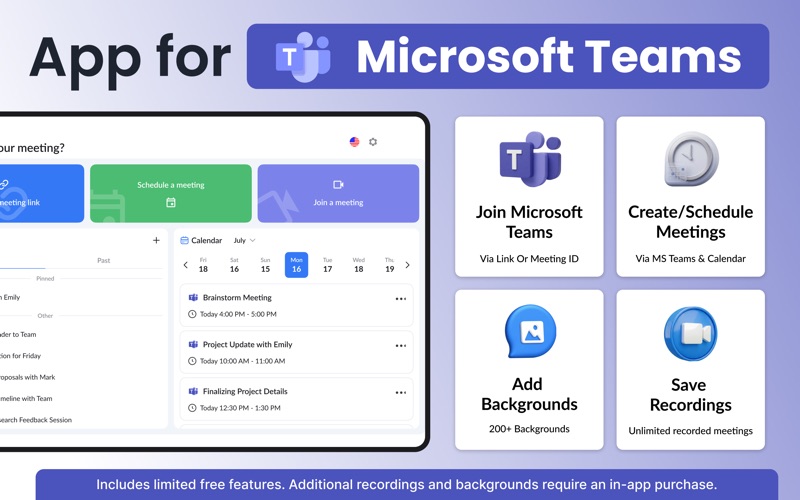
Discover how the App For Team Meetings for Mac optimizes your Microsoft Teams workflow. Read our review of its features, custom backgrounds, and scheduling tools.
A Tailored Approach to macOS Virtual Collaboration
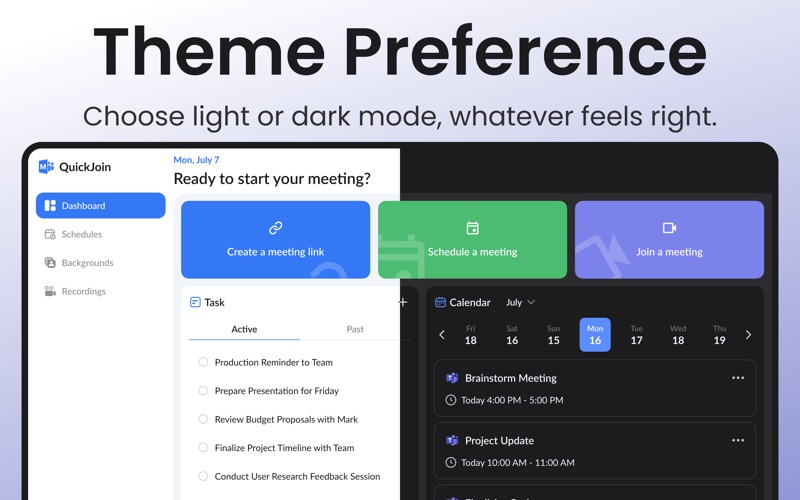
The App For Team Meetings virtual collaboration tool is designed specifically for Mac users who want a streamlined, dedicated environment for their professional interactions. Rather than navigating complex web interfaces, this software integrates with Microsoft Teams to offer a highly focused, desktop-optimized portal. It aims to bridge the gap between heavy enterprise suites and the refined, intuitive user experience that macOS users expect.
Core Features of the App For Team Meetings
To help you decide if this tool fits into your daily workflow, we have broken down the primary capabilities you will experience when utilizing the platform:
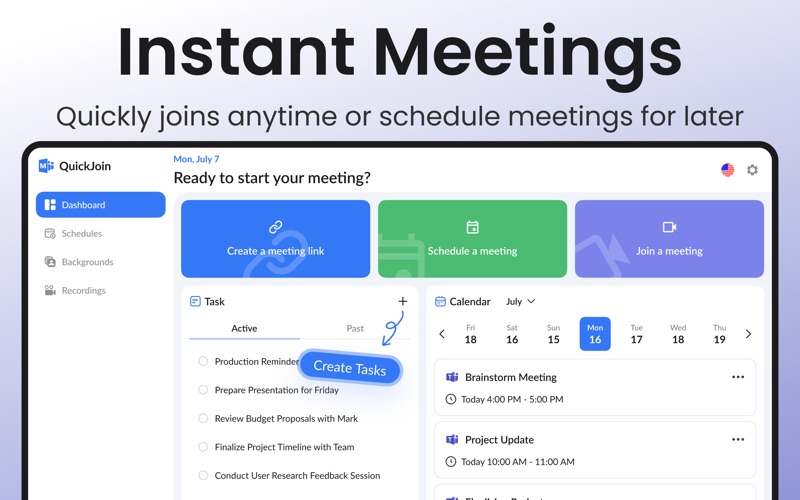
- Single-Click Join: Launch or enter scheduled sessions instantly without navigating through multi-layered menus.
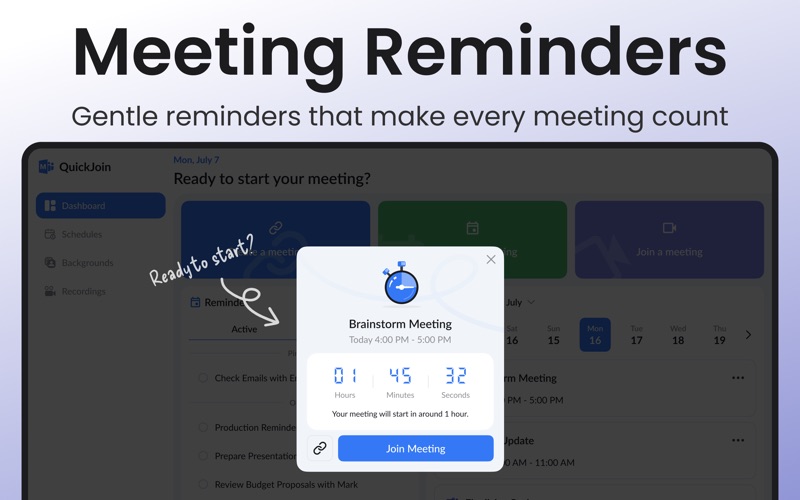
- Integrated Scheduling: Keep track of your daily agenda with built-in calendars, automated timetables, and timely reminders.
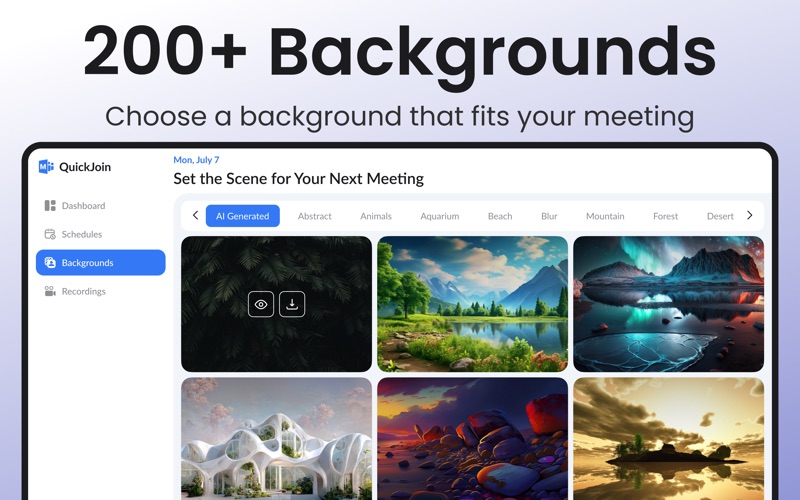
- Personalized Visuals: Customize your feed using professional or creative photo and video backgrounds to maintain privacy or set the right mood.
- Session Recording: Save audio and video records of your discussions directly to ensure no critical action items are lost.
Who is This macOS Tool For?
This software is built specifically for remote professionals, freelance consultants, and internal teams who rely on Microsoft Teams but prefer a native-feeling macOS environment. By focusing entirely on meeting entry, scheduling, and personalization, it strips away unnecessary clutter, allowing you to focus on active communication and productive output.
Final Verdict and Where to Find It
If you are looking to simplify your daily video conferences and keep your schedule highly organized on macOS, this utility offers an elegant, direct solution. To explore its features and subscription options further, head over to the official Mac App Store to read more user feedback and view the official listing details.